
Shipping and reprint help
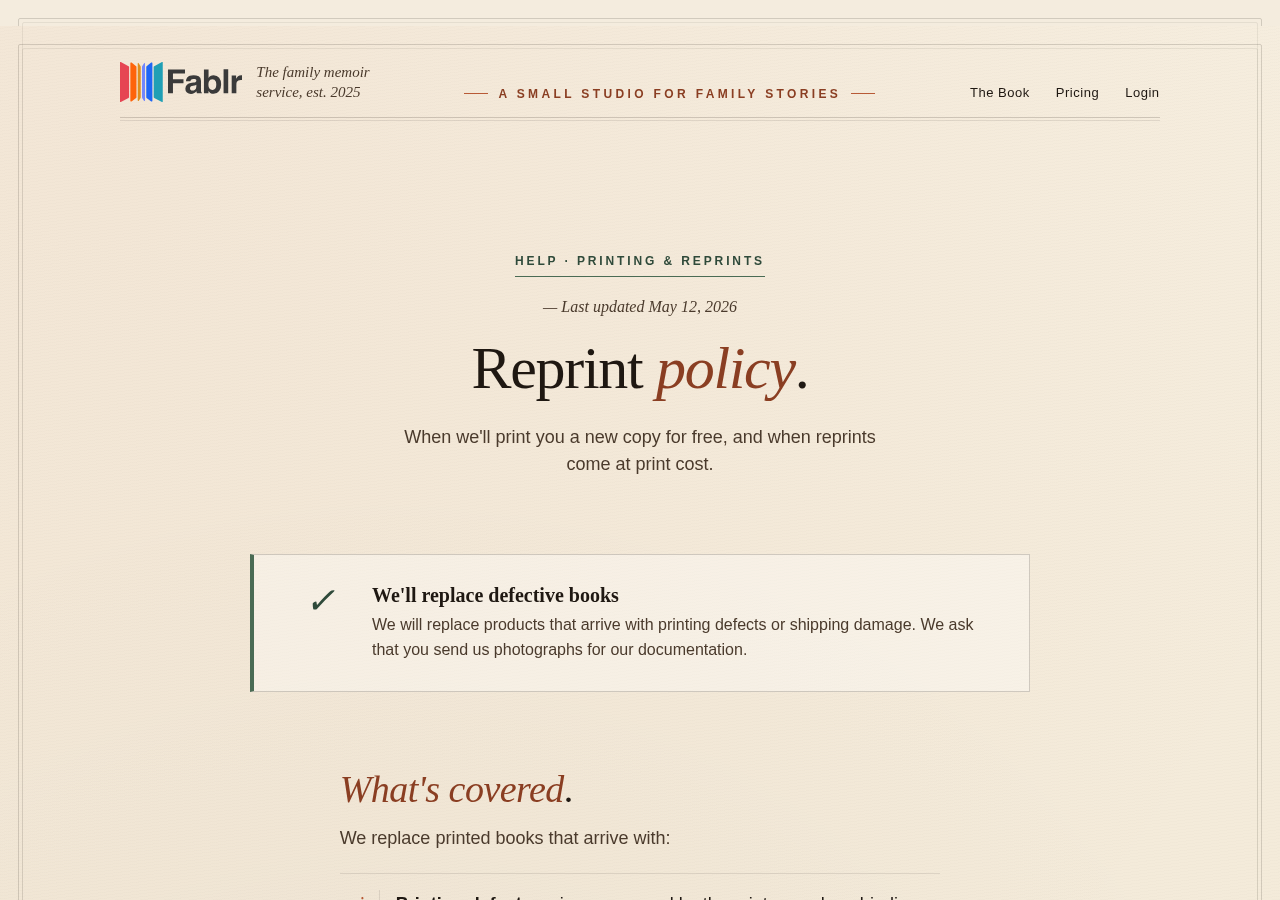
Use the reprint policy and contact support with order details for damaged or defective books.
For printing defects or shipping damage, use the defect section in the reprint flow or email Fablr support with photos. Free replacements do not cover issues that were visible in preview.
Who this is for
Customers with a shipping, damaged-book, printing-defect, or reprint question.
Before you start
- Have the order details ready if you can find them.
- Take clear JPG or PNG photos of the damage, defect, and packaging.
- Do not throw away packaging until support has enough information.
What to do next
- Read the reprint policy.
- Open My Compilations if you have a completed book.
- Choose Order More Copies for the completed book when the reprint flow is available.
- In the defect section, choose printing defect or shipping damage.
- Attach a photo and submit the claim.
- If the form is unavailable, email Fablr support with order details and photos.
What you should see
How you know it worked
Eligible in-app claims create a replacement order confirmation, or email gives Fablr support what it needs to review the issue.
If something goes wrong
The order has not shipped yet.
The defect option may not be available until shipment information exists.
The issue was visible in preview.
Correct the book content and place a paid reprint instead of a free defect claim.
You cannot find your order details.
Send the email address used for purchase and what happened.
Still need a hand?
Reach our support team through the contact page. We are glad to help, and you do not need to sign in first.
Go to the contact page