
Fix a voice conversation that stopped or repeated
Wait briefly, resume if paused, refresh once, then ask for follow-up if it repeats.
Wait a moment first. If the conversation stays stuck or repeats the same question, refresh once and reopen the voice conversation page.
Who this is for
Storytellers whose conversation froze, repeated, lost connection, or stopped responding.
Before you start
- A short pause can be normal while Fablr connects or prepares a reply.
- If you paused the session yourself, use Resume before refreshing.
- Do not keep refreshing in a loop if the same problem repeats.
What to do next
- Wait a few seconds if the page says it is connecting, loading story context, or taking longer than usual.
- If you see a pause countdown, tap Resume.
- If the page asks whether you are still there, speak or interact before the countdown ends.
- If the conversation is still stuck or repeating, refresh the page once.
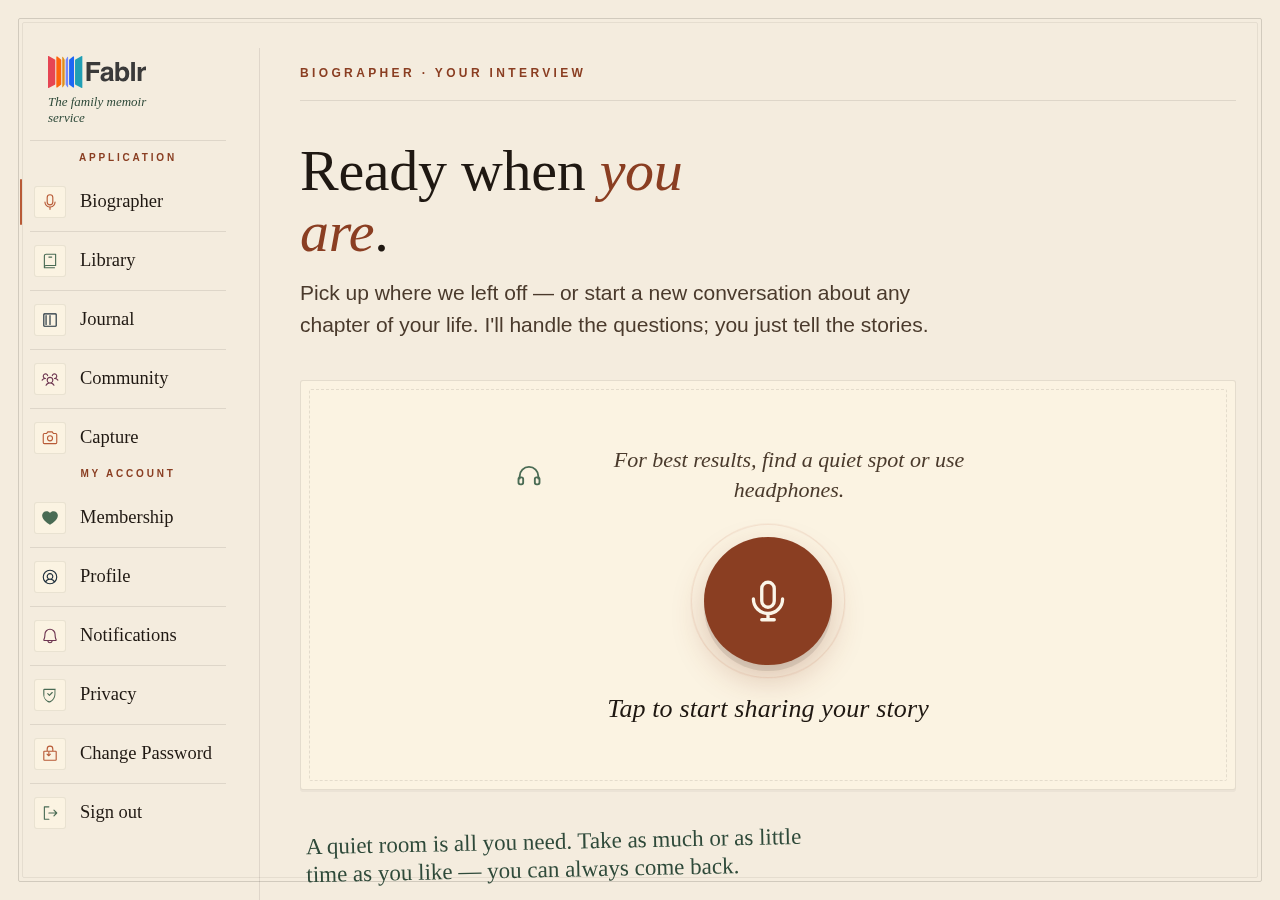
- Reopen the voice conversation page and tap Start conversation.
- If it keeps happening, use Help and ask for email follow-up.
What you should see
How you know it worked
The voice page reconnects and the microphone button or active conversation controls are available again.
If something goes wrong
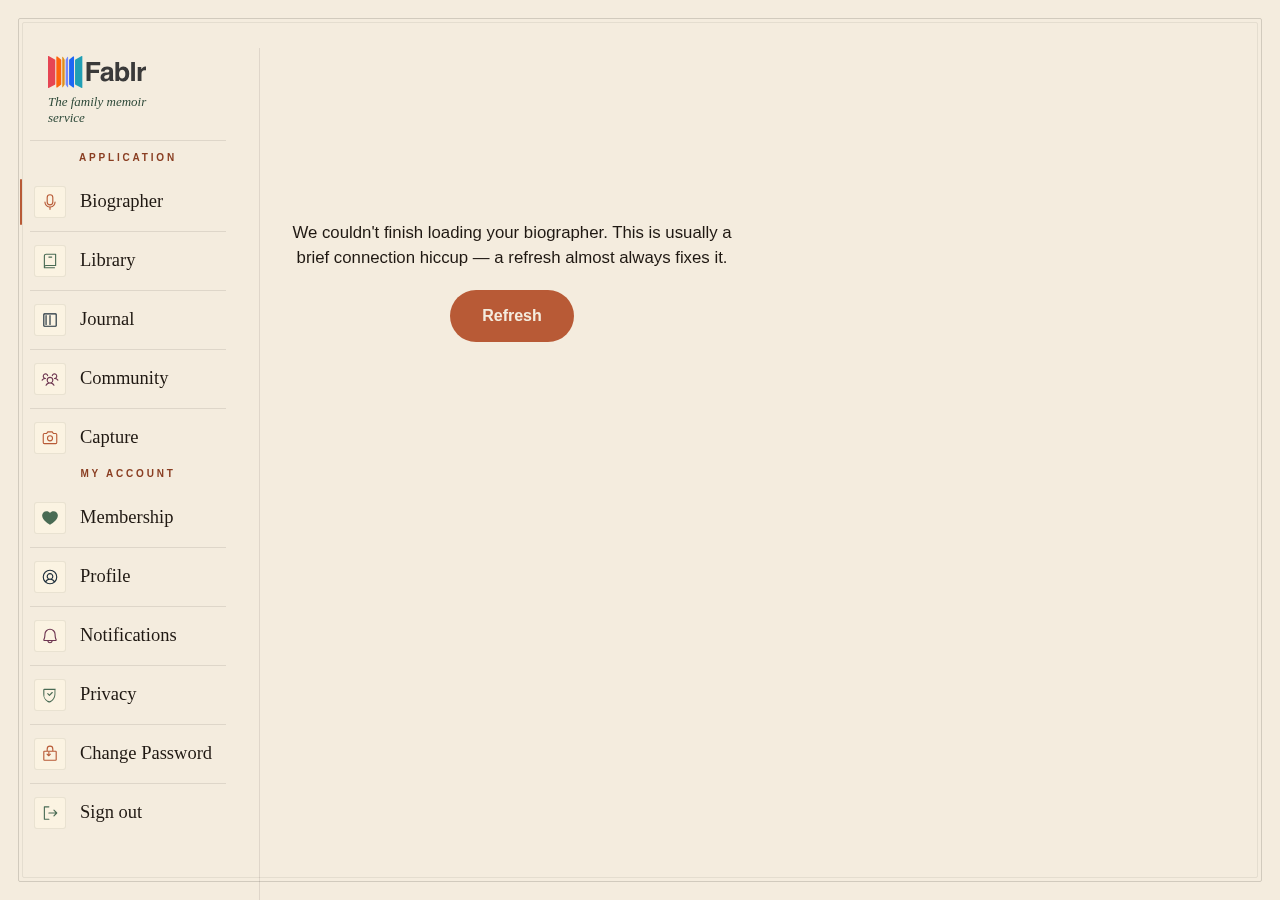
The refresh card appears.
Use Refresh once, then reopen the voice page.
It fails again after one refresh.
Use voice support if possible or ask for email follow-up.
Still need a hand?
Reach our support team through the contact page. We are glad to help, and you do not need to sign in first.
Go to the contact page