
No auto-renewal
Fablr annual access does not automatically charge another year.
Fablr's annual access does not auto-renew. You choose whether to renew when your access period ends.
Who this is for
Customers checking whether they need to cancel to avoid an automatic renewal.
Before you start
- Sign in to the account that purchased or uses Fablr.
- Open subscription settings to review current access.
- Legacy recurring subscriptions, if any, may show billing management separately.
What to do next
- Open subscription settings.
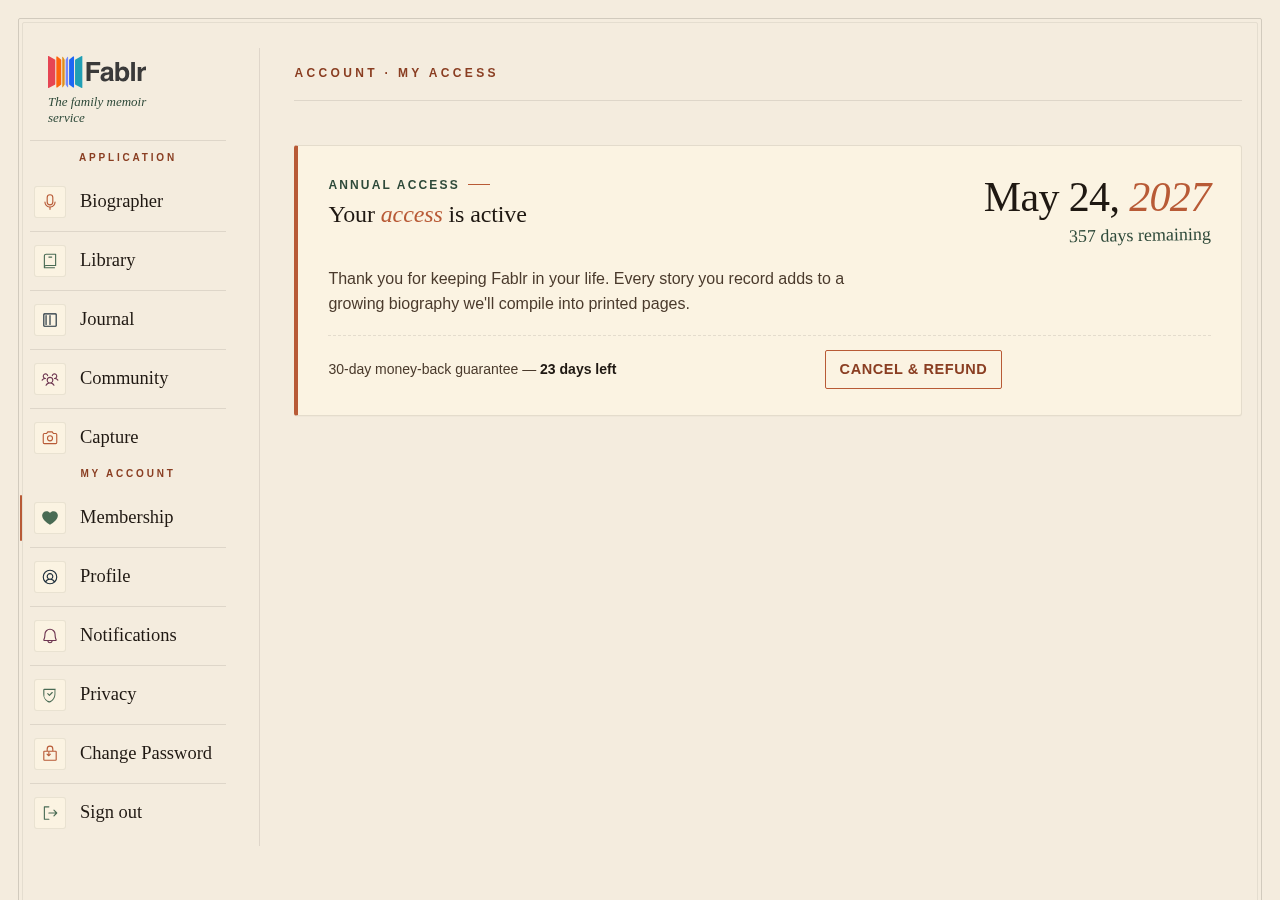
- Review your access status and expiration date.
- If you see active annual access without recurring billing controls, no automatic renewal action is needed.
- If the page shows a legacy recurring subscription, use Manage billing or contact support.
What you should see
How you know it worked
You can see your current access period and whether any billing management action is available.
If something goes wrong
You expected a cancel button but do not see one.
No cancel action is needed to stop auto-renewal when there is no auto-renewal.
You see legacy billing controls.
Use Manage billing or ask support for email follow-up.
Still need a hand?
Reach our support team through the contact page. We are glad to help, and you do not need to sign in first.
Go to the contact page