
Give Fablr as a gift
Buy Fablr as a gift and make the first session feel personal.
You can start a Fablr gift from Get started. The most helpful gift also includes a simple note and an offer to help the recipient with their first conversation.
Who this is for
Gift buyers giving Fablr to a parent, grandparent, spouse, or other storyteller.
Before you start
- Have the recipient's name and email address ready.
- Decide whether you want the gift delivered right away or later, if that option is shown.
- Use a personal message that explains why their stories matter to you.
What to do next
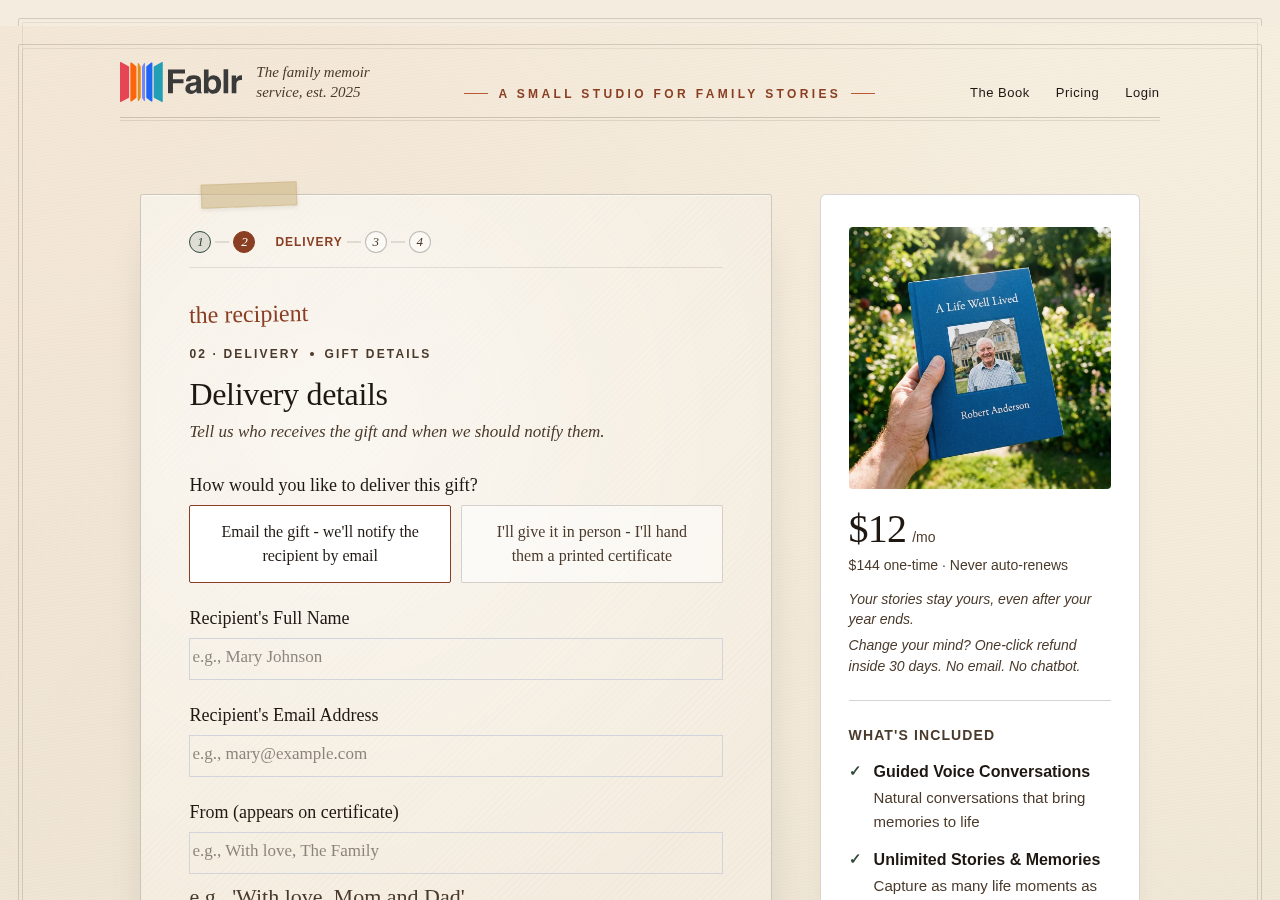
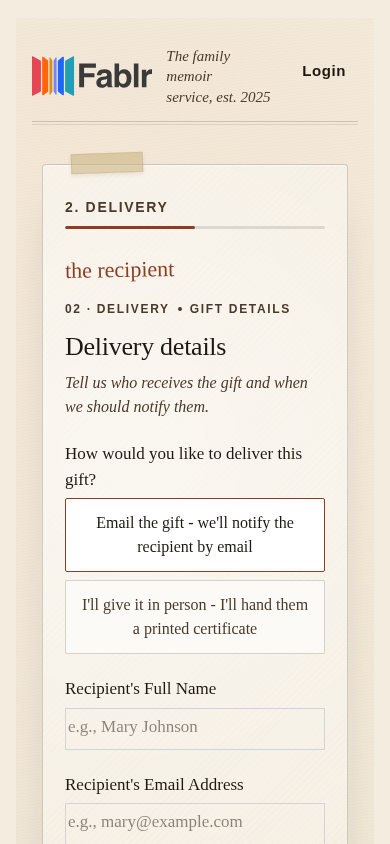
- Open Get started.
- Choose the gift path when Fablr asks who the purchase is for.
- Enter the recipient name and email address carefully.
- Add a short personal message if the form offers one.
- Review the gift details before continuing to checkout.
What you should see
How you know it worked
After checkout, Fablr has the gift details needed to deliver access to the recipient.
If something goes wrong
You entered the wrong recipient email.
Contact Fablr support by email before the recipient starts.
You are not sure how to explain the gift.
Keep it simple: they only need to talk, and they can go slowly.
Still need a hand?
Reach our support team through the contact page. We are glad to help, and you do not need to sign in first.
Go to the contact page