
Password, email, and login help
Recover access with a login link, password sign-in, or password reset.
Start from the sign-in page. You can request a login link by email, switch to password sign-in, or use Forgot your password if you have a password set.
Who this is for
Storytellers, gift recipients, and helpers who cannot get into the right Fablr account.
Before you start
- Use the email address connected to the Fablr purchase or gift.
- Check spam or junk folders for login and reset emails.
- Do not share passwords with voice support or by email.
What to do next
- Open the sign-in page.
- Enter your email address and choose the login link option if you do not want to use a password.
- If you know your password, choose Sign in with email and password instead.
- Use Forgot your password if you need a password reset.
- If you no longer have access to the email address, ask for email follow-up from an address you can use.
What you should see
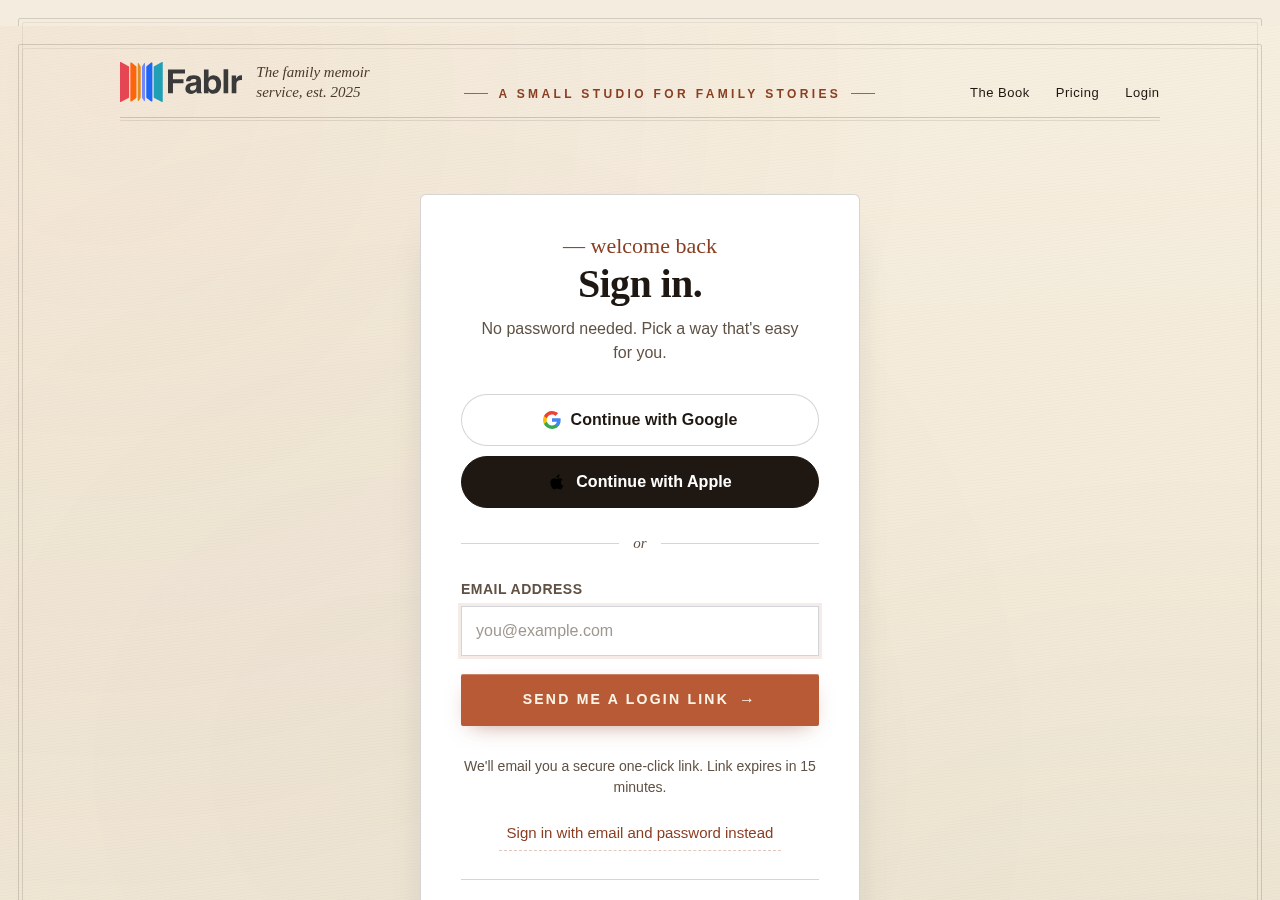
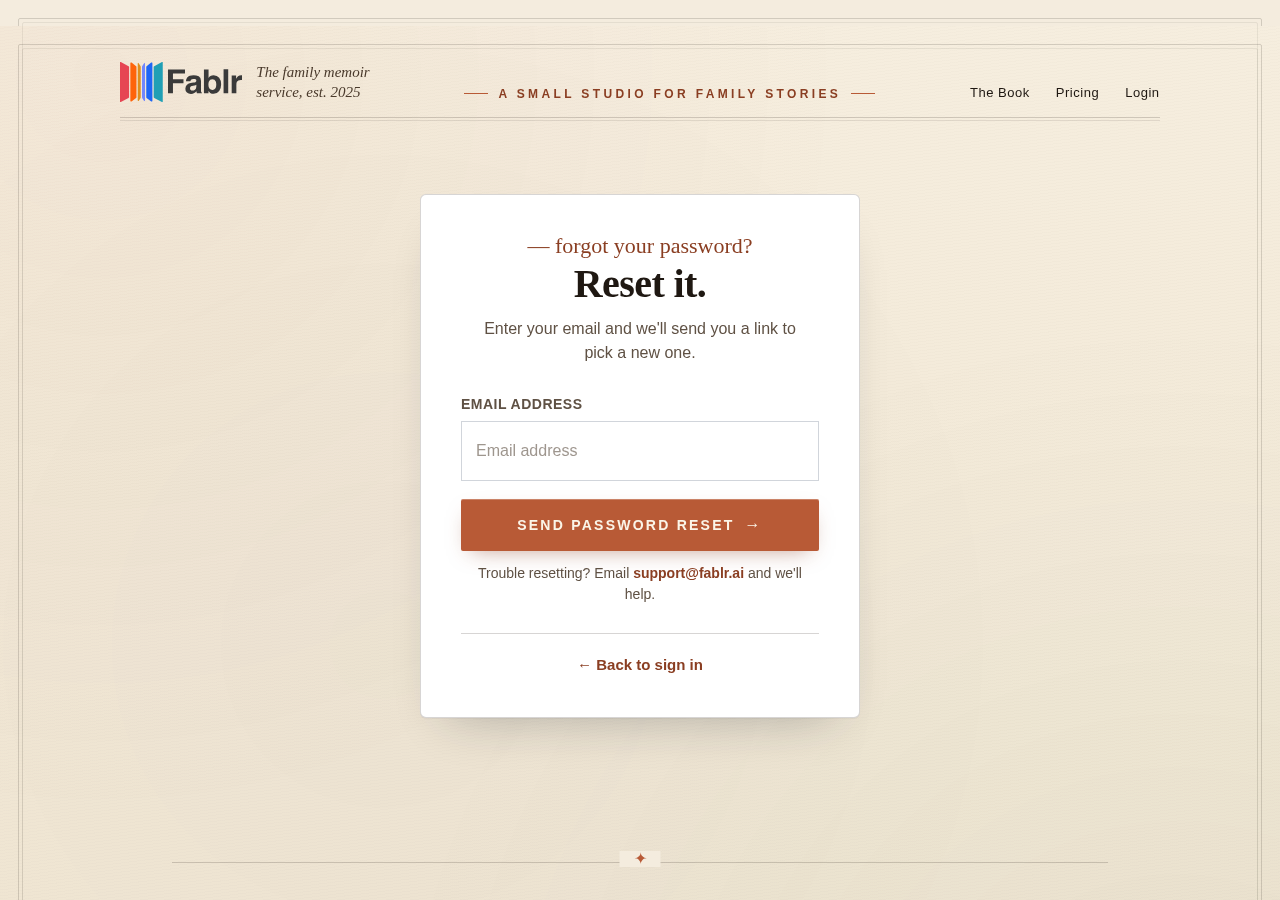
How you know it worked
You reach the Fablr app after signing in, or you receive an email with the next login or reset step.
If something goes wrong
The email does not arrive.
Check spam or junk, confirm the email spelling, and try again after a short wait.
You no longer have that email address.
Contact support from an address you can use and explain the old account email if you know it.
Still need a hand?
Reach our support team through the contact page. We are glad to help, and you do not need to sign in first.
Go to the contact page