
Order extra book copies
Order additional printed copies only after the book preview is ready.
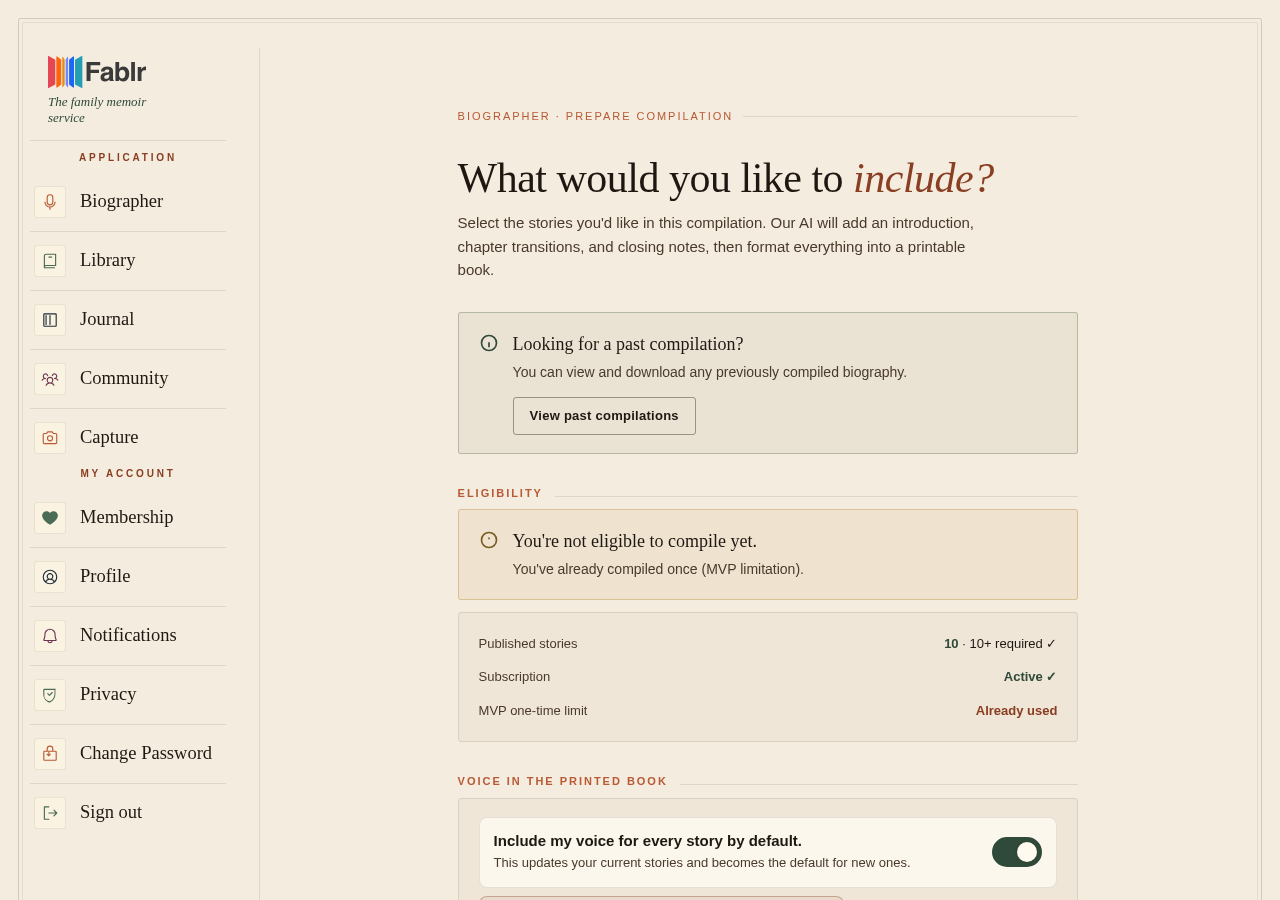
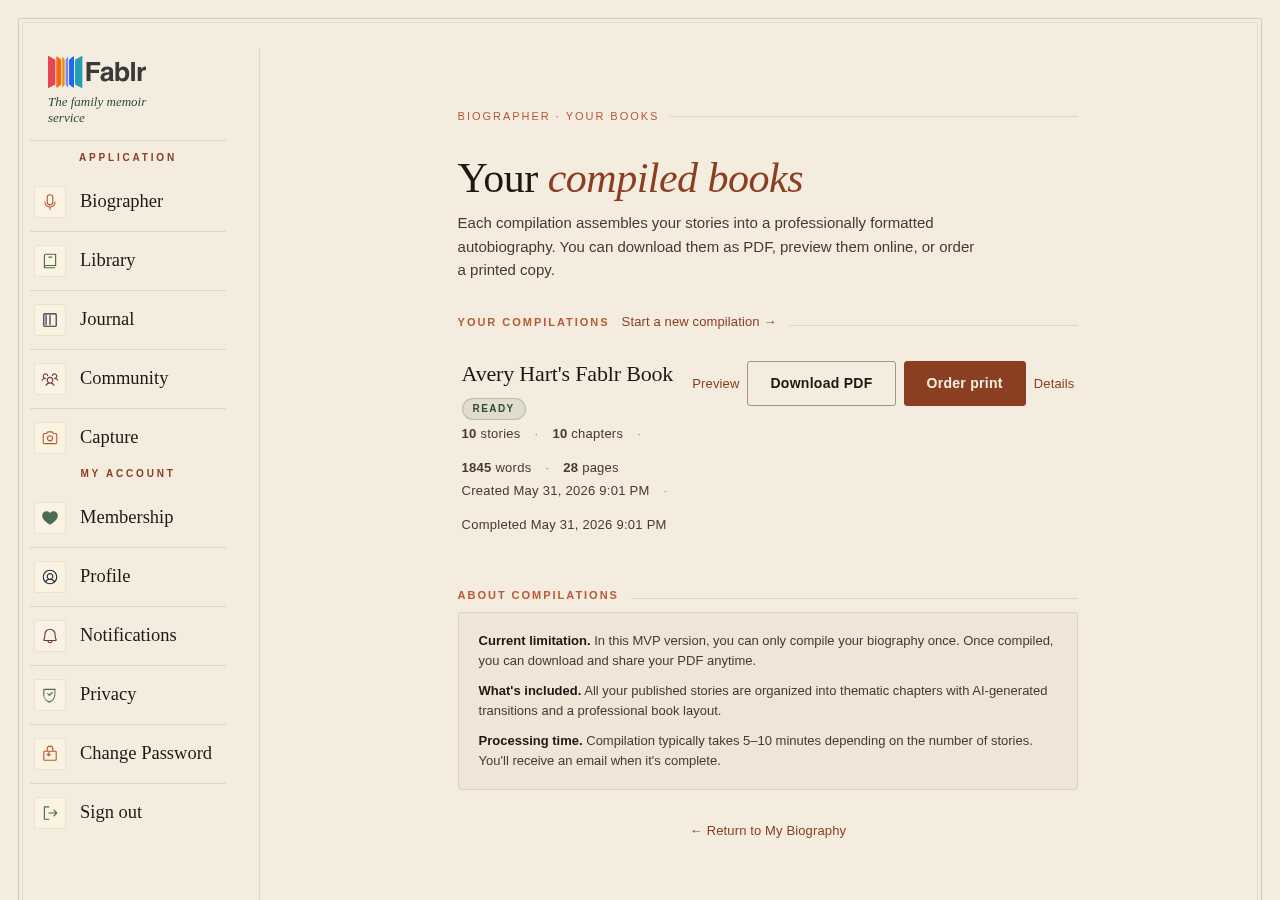
Order extra copies from My Compilations after your book compilation is complete. If you already placed a print order, the reprint flow may reuse the prior order settings.
Who this is for
Families ordering more than one printed book for relatives or keepsakes.
Before you start
- Make sure the book preview is ready.
- Shipping is limited to the United States in the current print flow.
- Checkout may ask for a phone number for the print partner.
What to do next
- Open My Compilations.
- Find the completed book.
- Choose the print or reprint action shown for that compilation.
- For a first order, customize cover details, choose a template, and review the print preview.
- For a reorder, choose quick reorder or customize the cover again when those options are shown.
- Select quantity, book type, credits if available, and enter US shipping details.
- Place the order only after the preview and checkout details look right.
What you should see
How you know it worked
You reach an order confirmation or print-order status page after checkout is complete.
If something goes wrong
No order action appears.
Confirm the compilation is complete before looking for print options.
Quick reorder is unavailable.
Start a new print customization from the compilation.
Checkout blocks the address.
Confirm the shipping country is United States.
Still need a hand?
Reach our support team through the contact page. We are glad to help, and you do not need to sign in first.
Go to the contact page