
Edit a story
Open Your Book, choose a chapter, and save the version you want.
Open Your Book and choose the chapter you want to change. Use Edit text for exact wording changes, Voice edit when that control is available, and Answer story details when Fablr needs more detail.
Who this is for
Storytellers and account owners reviewing written stories.
Before you start
- Sign in as the account owner and open a biography chapter you own.
- Make story edits before compiling because the current compiled-book flow is limited.
- Read the current story once before editing so you know what should change.
What to do next
- Open Your Book.
- Choose the chapter you want to review.
- Select Edit text to edit the chapter title or chapter content.
- Make your changes, then select Save changes.
- If the page shows Answer story details, open it and answer the follow-up prompts.
- Use Versions if you need to review earlier saved versions.
What you should see
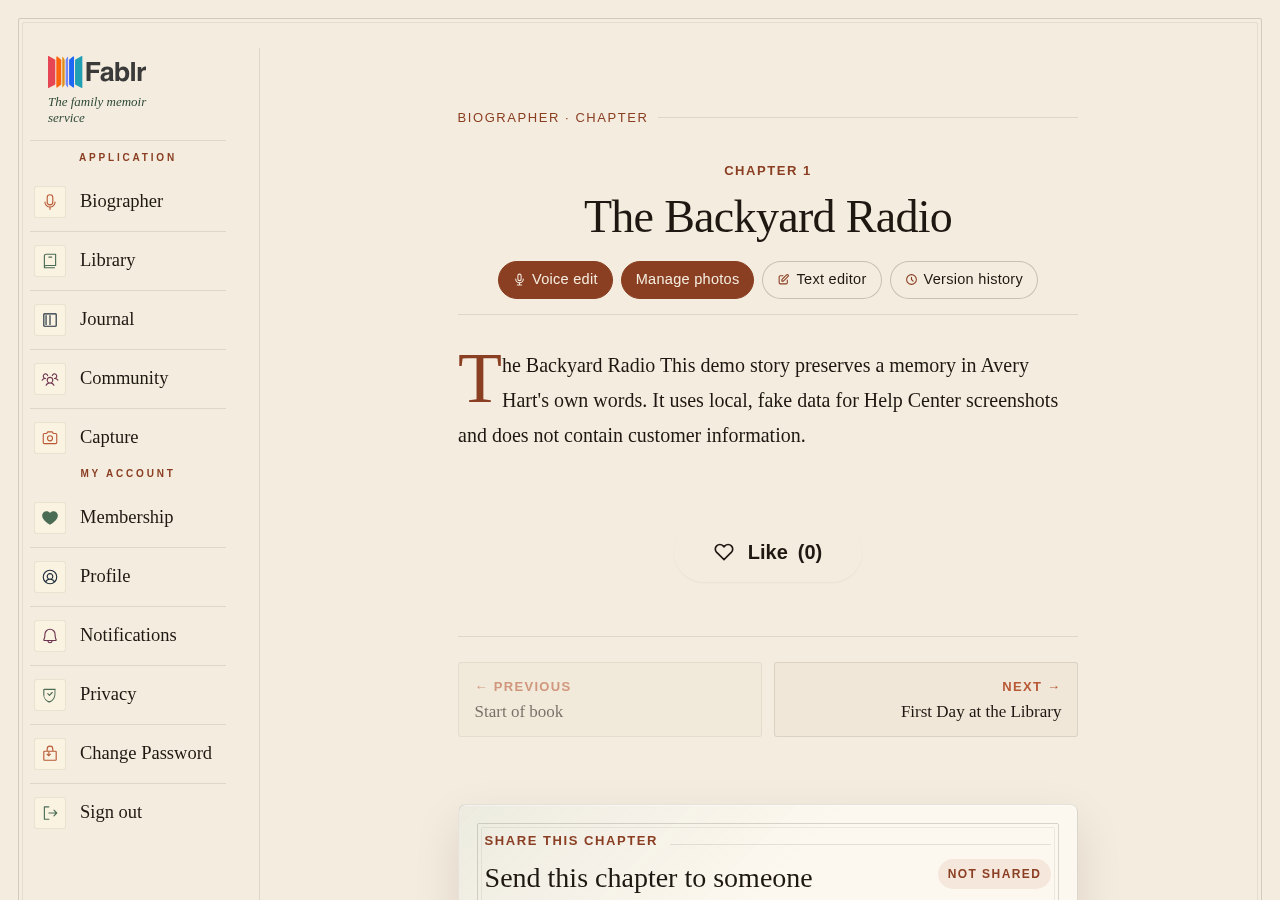
How you know it worked
If something goes wrong
You cannot find the story.
Open Your Book to check your chapters and the memories not in a chapter yet.
The editor could not save.
Keep the page open and use Save changes again when the connection is working.
You moved the wrong chapter to trash.
Your Book does not delete chapters. If an older story page was deleted, write to [email protected] and we will help.
Still need a hand?
Reach our support team through the contact page. We are glad to help, and you do not need to sign in first.
Go to the contact page