
How Fablr works
See how a voice conversation becomes written stories and a book.
Fablr helps a storyteller talk through memories, turns those conversations into written stories, and gives the family a place to review stories before preparing a book.
Who this is for
Storytellers, gift buyers, and family helpers who want the plain version of what happens next.
Before you start
- You do not need a finished timeline before you begin.
- A signed-in account with Annual Access is needed before recording your own stories.
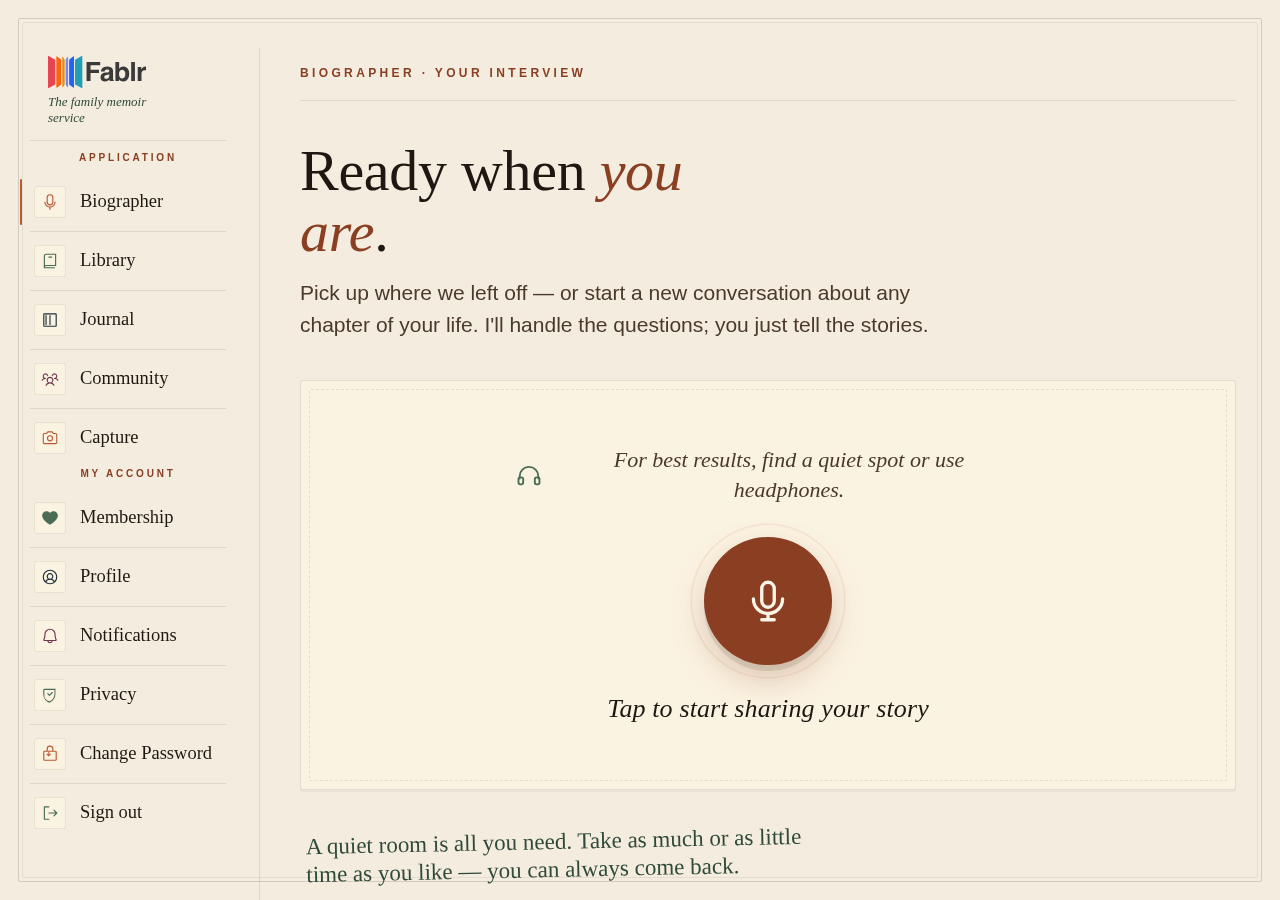
- A quiet room or headphones usually makes voice conversations easier.
What to do next
- Open Fablr and start a voice conversation when the storyteller is ready to talk.
- Answer in ordinary conversation. A short memory is enough to begin.
- Return later for more conversations; Fablr is built for short sessions over time.
- Read your chapters in Your Book after Fablr has written them.
- When the collection feels ready, open the book preparation page and preview the book before ordering.
What you should see
How you know it worked
You know the flow is working when the voice page connects, your stories appear in Your Book, and the book preparation page can be opened when you are ready to preview.
If something goes wrong
The storyteller is nervous about technology.
Set up the page for them, explain that they can stop any time, and keep the first session short.
A story is not ready yet.
Give the story pipeline time to finish, then check the stories and biography pages again.
Still need a hand?
Reach our support team through the contact page. We are glad to help, and you do not need to sign in first.
Go to the contact page