
Share or keep stories private
Control biography privacy and individual chapter share links.
Use privacy settings to control whether your biography is public or private. Use Share this chapter on an individual chapter when you want to create or turn off private reading links for that chapter only.
Who this is for
Storytellers and family helpers deciding who should see or contribute to stories.
Before you start
- Biography privacy and chapter sharing are separate controls.
- A chapter share link can let someone open that chapter without an account.
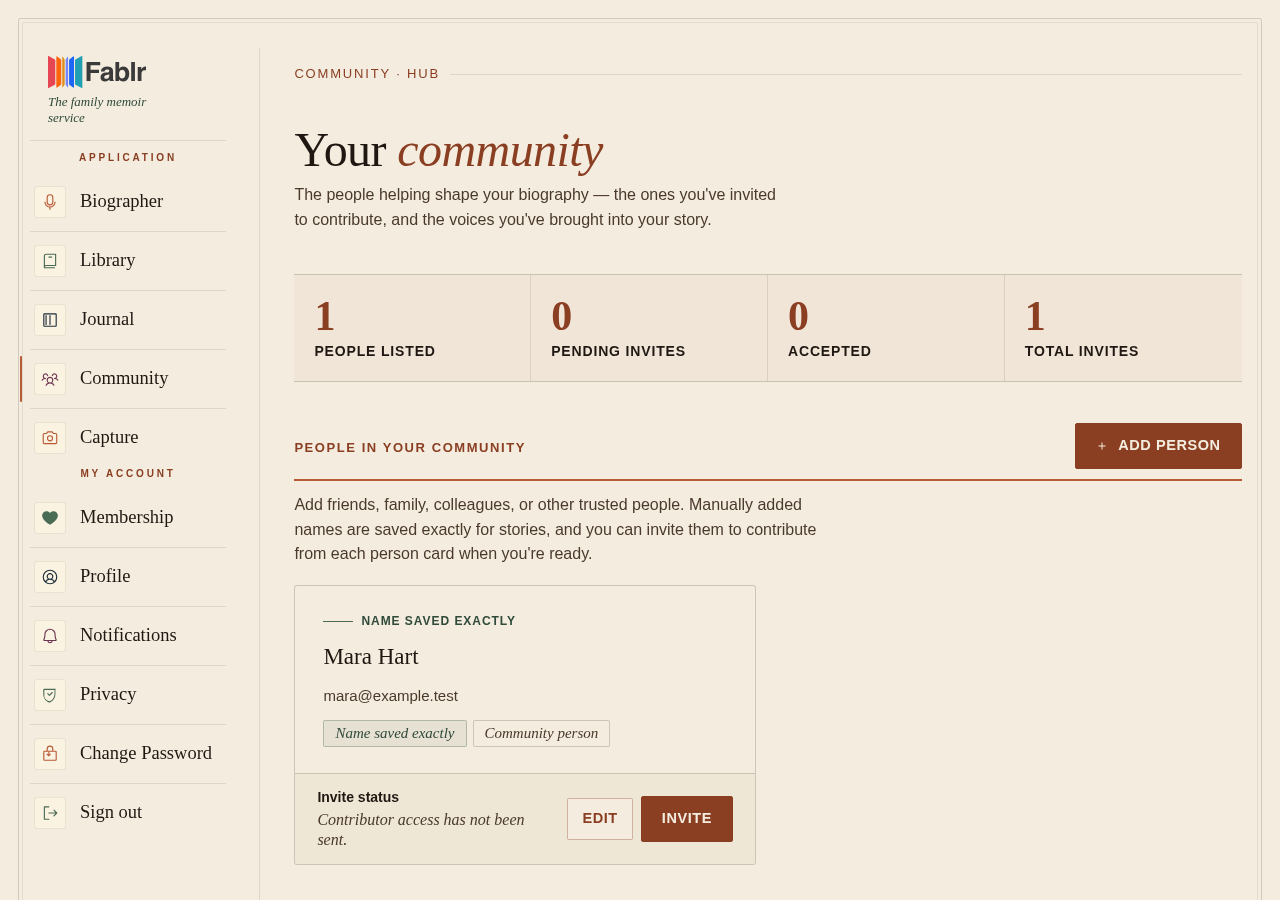
- Use contributor invitations when you want someone to add memories, not just read a chapter.
- If you set up Fablr for someone else as their storyteller, the public setting disappears once their first story arrives, and their stories stay private from then on. If it was already public you can still switch it off. The steps below describe your own biography.
What to do next
- Open privacy settings.
- Review whether your biography is currently public or private.
- Turn Make My Biography Public on only if anyone with the biography link should be able to view it.
- Turn it off if only you and accepted contributors should be able to view it.
- Select Save settings.
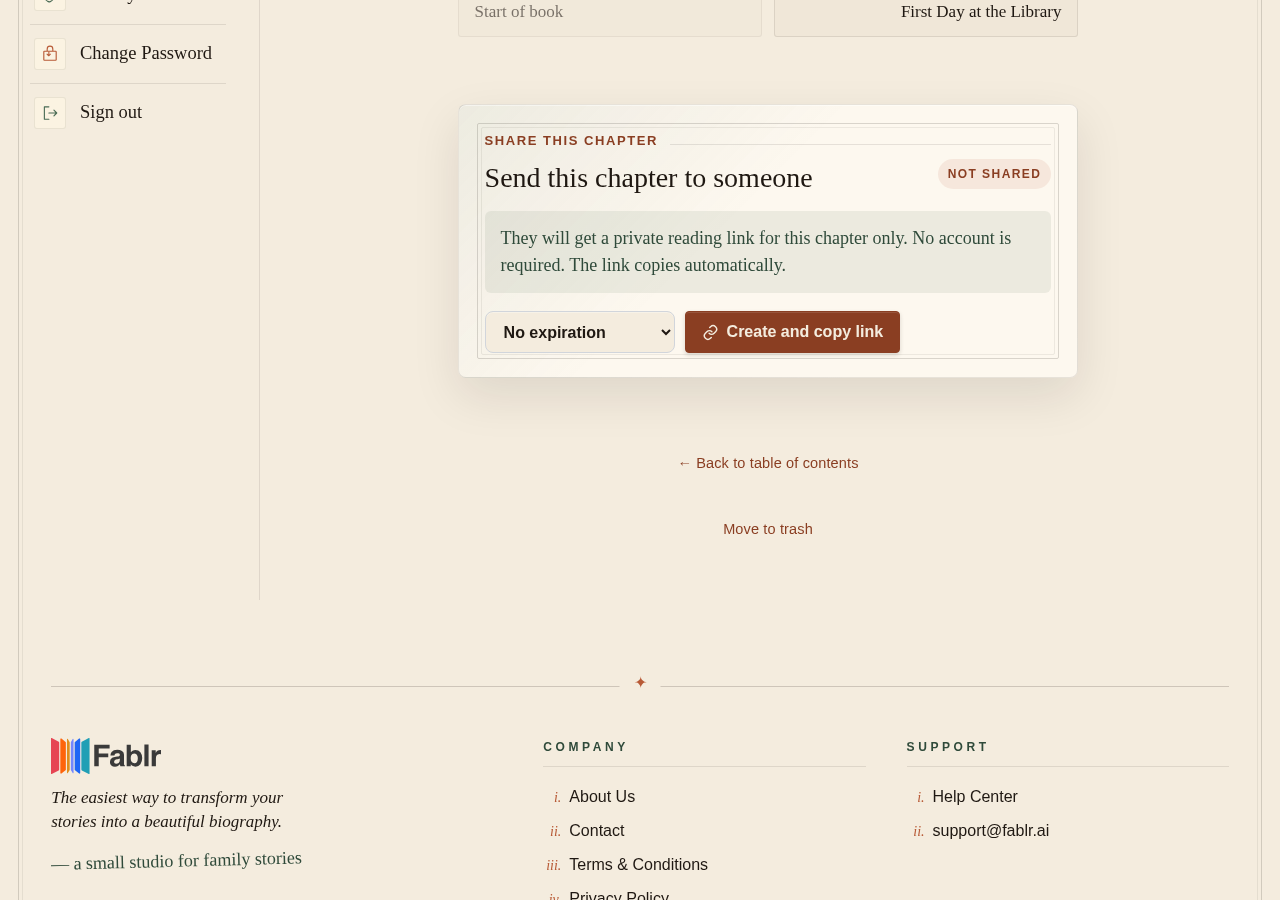
- To share one chapter, open it in Your Book and use Share this chapter, below the chapter.
- Choose how long the link lasts, select Make a private link, then Copy link.
- To stop a link later, select Turn off next to it. It stops working right away.
What you should see
How you know it worked
Privacy settings show Saved and the current public/private status. A chapter share card shows Active after a link exists, and copied-link text tells you to paste the link into a message.
If something goes wrong
A chapter link went to the wrong person.
Turn that link off on the chapter page and make a new one if needed.
Someone cannot open a share link.
It may be expired, revoked, or tied to a chapter that is no longer live.
Someone needs to contribute memories.
Use the community page rather than a chapter share link.
Still need a hand?
Reach our support team through the contact page. We are glad to help, and you do not need to sign in first.
Go to the contact page