
Invite family contributors
Invite trusted people to add memories from your community page.
Use the community page to add a trusted person and invite them as a contributor when you want their memories included.
Who this is for
Storytellers and account owners who want relatives or friends to contribute memories.
Before you start
- Sign in to the storyteller's Fablr account.
- Have the person's name and email address ready if you plan to send an invitation.
- Invite only people you trust with the story context you are sharing.
What to do next
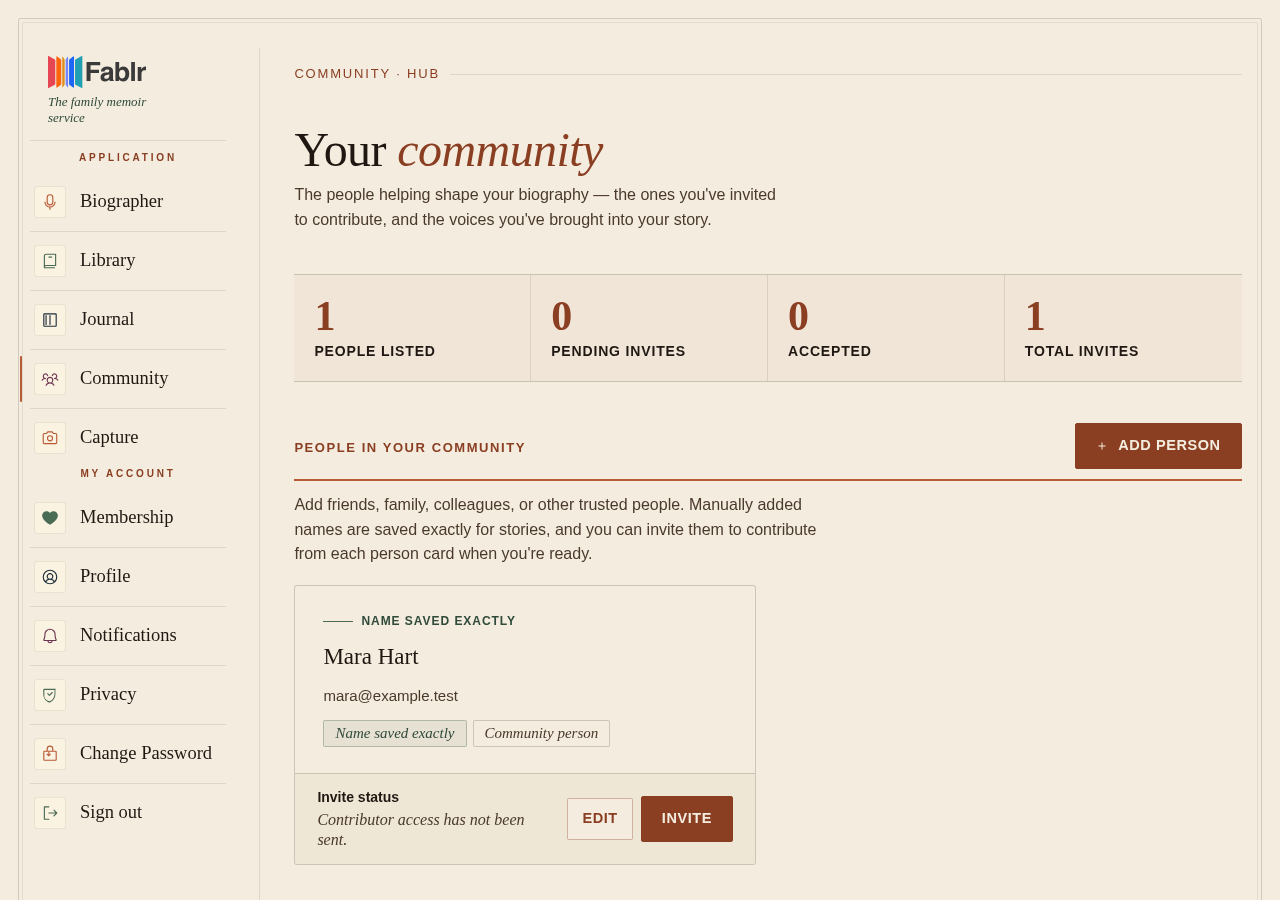
- Open the community page.
- Choose Add person if the person is not already listed.
- Enter their exact name and email address if you have it.
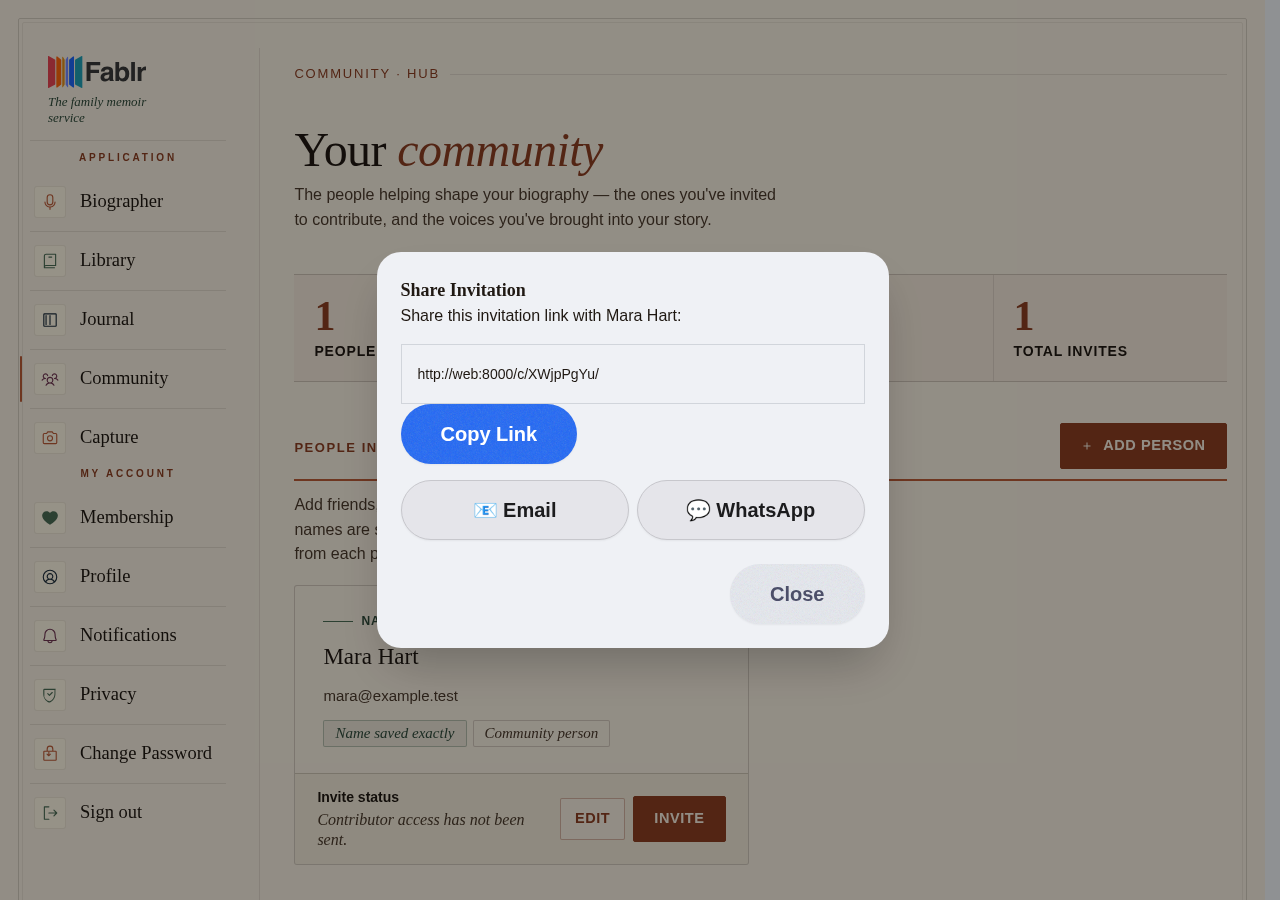
- Save the person, then choose Invite from their person card.
- Review the invitation state after sending. Fablr shows whether contributor access has been sent or is pending.
What you should see
How you know it worked
The person card shows an invite status, such as pending invitation or active contributor access.
If something goes wrong
The invite link expired.
Send a fresh invitation from the community page.
The wrong person was invited.
Cancel the invitation if it is still pending, then send a corrected one.
Still need a hand?
Reach our support team through the contact page. We are glad to help, and you do not need to sign in first.
Go to the contact page