
Talk to Fablr support by voice
Use the Help button to talk through common support questions by voice.
Voice support can walk you through common Fablr tasks, send an approved guide email after you agree, and send unresolved issues to the Fablr team for email follow-up.
Who this is for
Signed-in users who are stuck while using the Fablr app.
Before you start
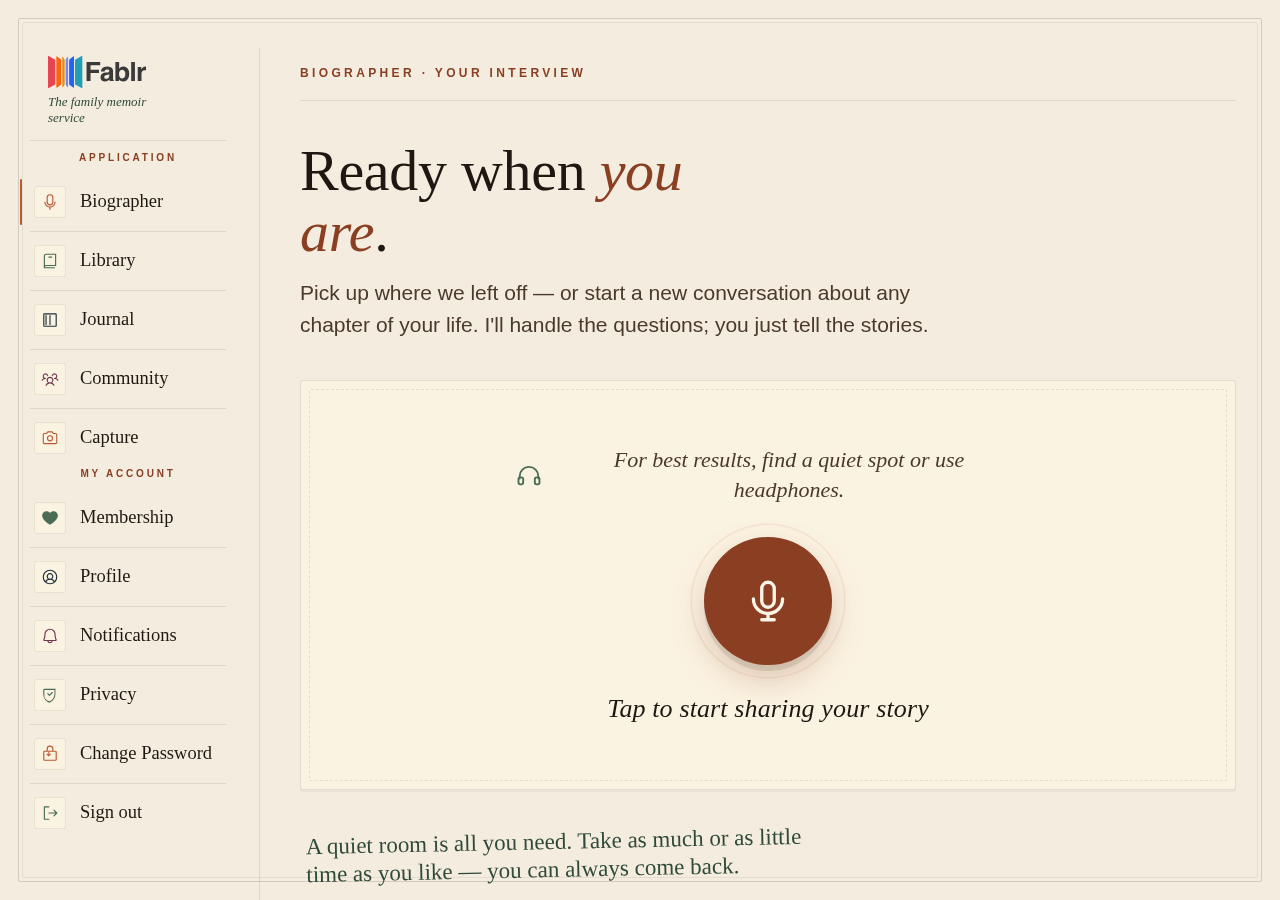
- Open the voice conversation page.
- If you are already in a story session, choosing Help starts a separate support session.
- Do not share passwords or payment details in a voice support conversation.
What to do next
- Open the voice conversation page.
- Before recording, choose Need help getting started. During a session, choose Help.
- Ask your question in plain language.
- If the answer includes steps or links that are hard to remember, ask Fablr support to email you the guide.
- If the issue is account-specific, unusual, or still unresolved, ask for email follow-up.
What you should see
How you know it worked
You can describe your issue by voice and, when appropriate, receive a guide email or email follow-up.
If something goes wrong
Voice support does not connect.
Try the Help button again after refreshing the page once.
You need a refund, cancellation, or account change.
Use the self-service page when available. Voice support can guide you there but does not process those actions.
Still need a hand?
Reach our support team through the contact page. We are glad to help, and you do not need to sign in first.
Go to the contact page