From first question to printed book
Your parent talks. Some months later there is a hardcover on the table with their stories in it, and a code on each chapter that plays them telling it. Here is what happens in between.
1. The conversation
Your parent opens Fablr on a phone, tablet or computer, in a web browser or the iPhone app, and presses one button to talk. The biographer asks a question, listens, and asks the natural next one. Next time, it picks up a thread from the last visit. The year includes 15 hours of conversation, used in whatever size pieces suit them.
2. Photos and keepsakes
A photo, a ring, a recipe card: they hold it up and the biographer asks who, when and what happened. The object becomes part of the story.
3. Family voices
People who come up in the stories can be invited to add what they remember about those moments. Their answers go into the same book.
4. Writing the stories
After each conversation, Fablr writes the stories down in your parent’s own words. They choose how it reads: told as “I” or by their name, close to exactly what they said or shaped a little more into a story.
5. Fixing anything
If a detail is wrong, they say so. “I was eighteen, not nineteen.” The corrected version waits on the chapter page, and nothing changes until they approve it there. Family can type corrections too.
6. The book
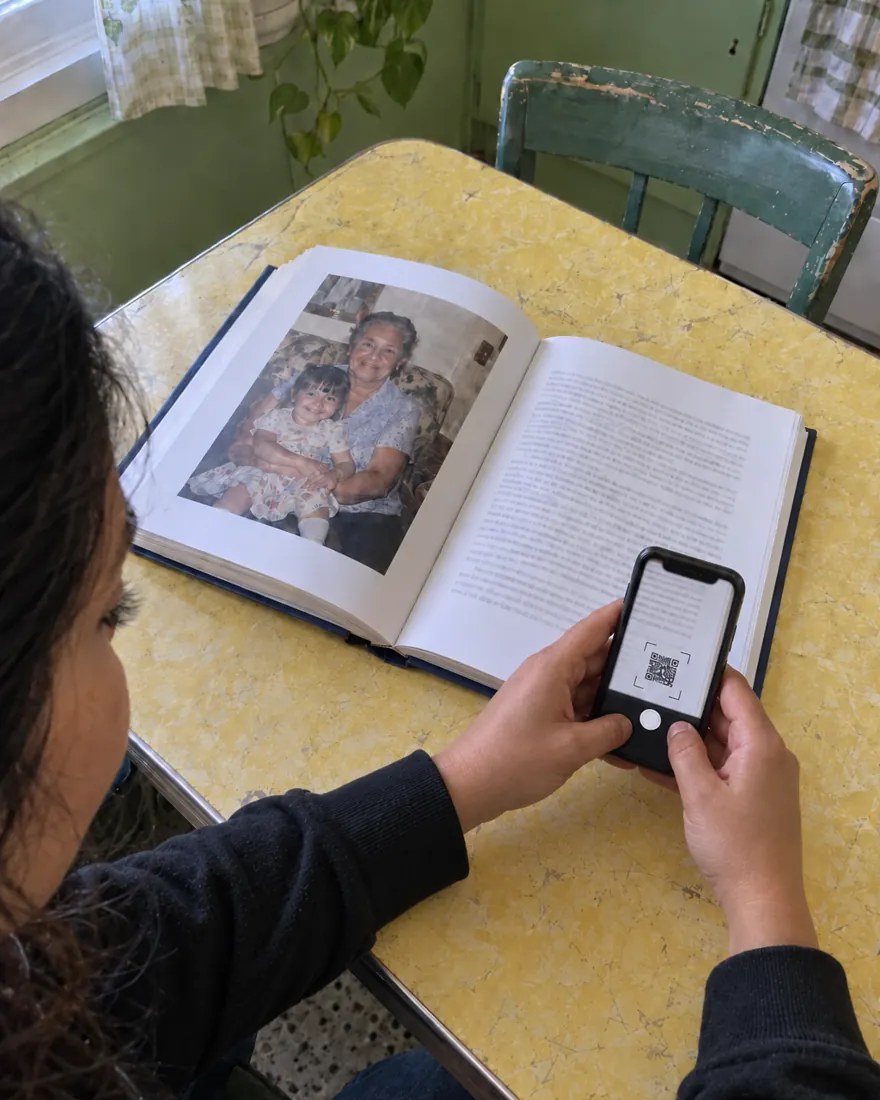
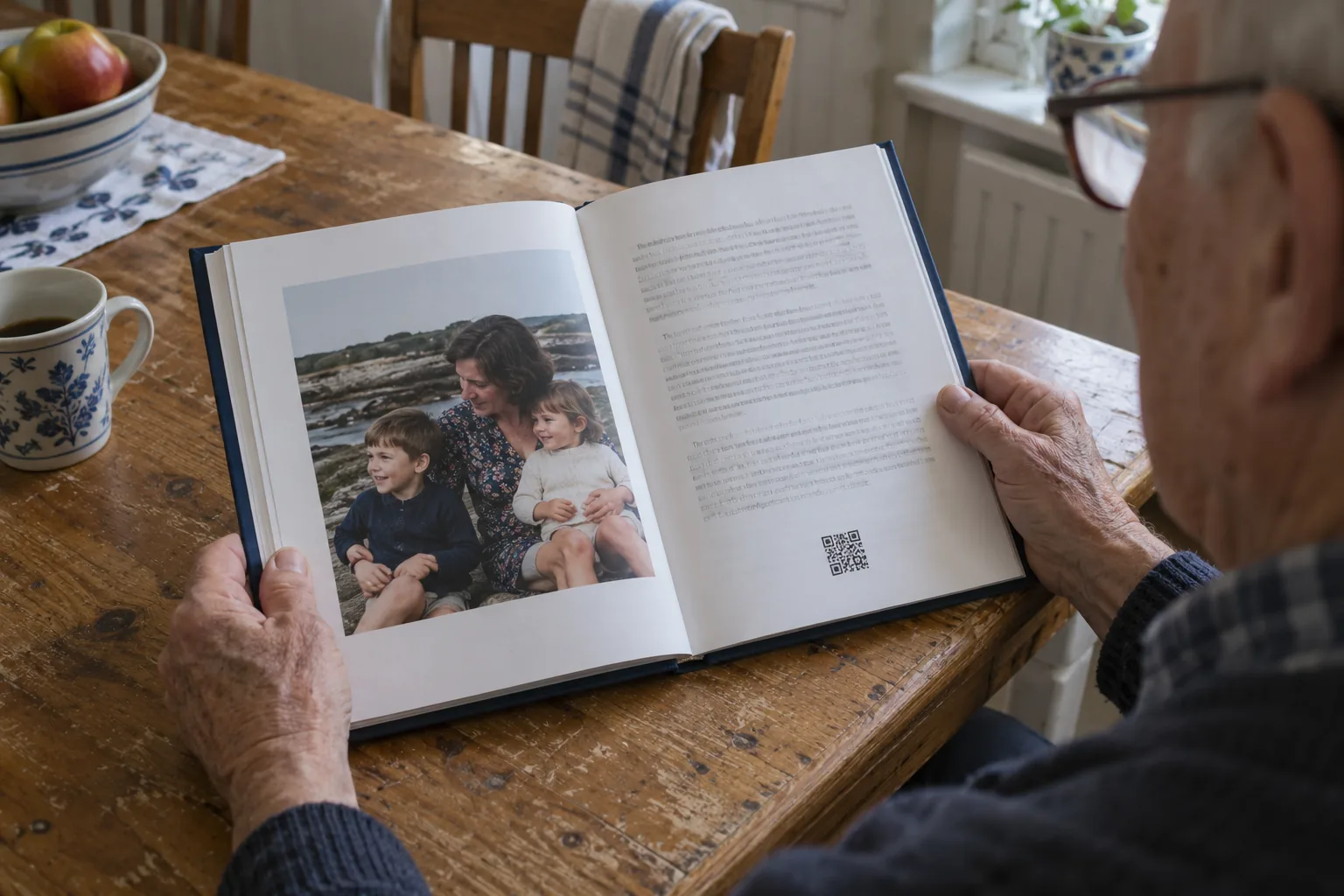
The stories are arranged into chapters of their life and printed as a full-color, 8.5x11 hardcover, included with free shipping in the US, along with an e-book. Each recorded chapter carries a printed code that plays it in their voice. You order the book whenever the family is ready.
To see the steps in short films, visit how it works.